Why Choosing the Right GPU in 2026 Matters
In 2026, the graphics card landscape is broader and more advanced than ever. Between NVIDIA’s latest RTX 50-series, AMD’s RX 9000 family, and new architectures optimized for AI and gaming, there’s never been more choice — but also more complexity.
Your ideal GPU depends on your budget, resolution target, games, productivity needs, and long-term plans. Whether you want esports-level competitive performance or bleeding-edge 4K with ray tracing and frame generation, this guide will steer you to the perfect choice.
We’ll look at the best GPUs for 1080p, 1440p, 4K gaming, creative work, and value builds, and explain how to pick confidently in 2026.
🎮 What Matters Most in a GPU (2026 Edition)
Before choosing, it’s helpful to understand what really affects performance:
🔹 1. Rasterization Frames
Traditional FPS performance — highest priority for most gamers at 1080p/1440p.
🔹 2. Ray Tracing Power
Realistic lighting, shadows, and reflections. More demanding than raster.
🔹 3. AI & Upscaling
DLSS, FSR, and proprietary frame generation tech that boosts FPS with minimal quality loss.
🔹 4. VRAM
Larger framebuffers for textures, large scenes, and future games.
🔹 5. Power Efficiency
Important for thermals, noise, and PSU requirements.
🔹 6. Driver Stability & Features
Support for software tools, encoder quality (for streaming), and long-term updates.
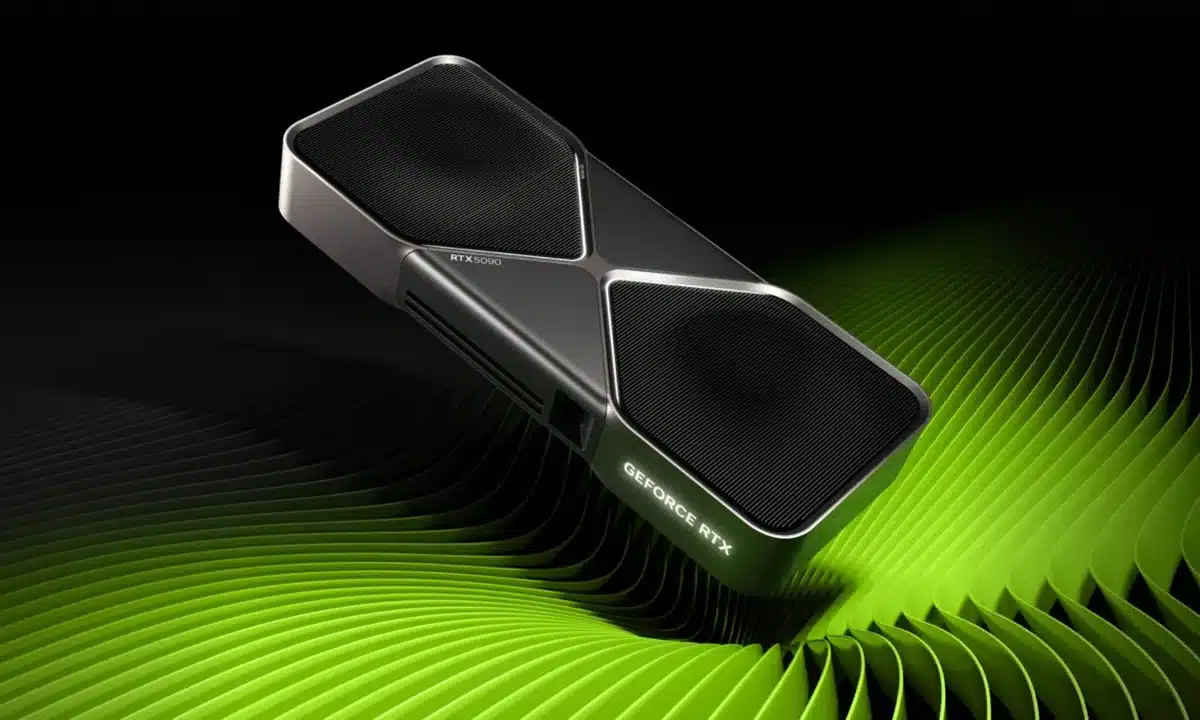
🏆 Best GPUs by Category — 2026 Picks
Here’s a breakdown by common use cases and budgets:
🔥 Best Budget/Entry-Level GPU (Great Performance per Pound)
🥇 AMD Radeon RX 7600 XT / RX 7600 Boost
-
8–12GB VRAM
-
Excellent 1080p performance
-
Strong rasterization FPS
-
Good value for general gaming
Why this matters:
If you mainly play competitive games like Fortnite, Apex, or CS2 at 1080p with high refresh rates, this class dominates price-to-performance.
Pros:
-
Affordable
-
Lower power draw
-
Often outperforms similarly priced NVIDIA cards
Cons:
-
Limited ray tracing compared to higher tiers
-
Less future-proof at higher resolutions
Best for:
Budget gamers, esports players, first-time builders
⚖️ Best Mid-Range GPU (Balanced for 1440p Gaming)
🥇 NVIDIA GeForce RTX 4060 Super / 5070 (If refreshed)
-
Excellent 1440p performance
-
DLSS 3 + Frame Generation support
-
Good power efficiency
-
Strong RT performance in this tier
🥈 AMD Radeon RX 7800 XT / RX 7800
-
Great raster performance
-
Often better price/FPS than NVIDIA in pure raster games
-
AMD FSR 3 support improves performance
-
More VRAM than some NVIDIA peers
Why this matters:
This tier hits the sweet spot for 1440p gaming with high refresh rates and decent RT — without spending flagship money.
Pros:
-
Excellent all-around cards
-
Strong for modern AAA games
-
Good for streaming/recording builds too
Cons:
-
Ray tracing still stronger on NVIDIA
-
AMD’s upscaling tech is improving, but DLSS remains ahead in many titles
Best for:
Gamers who want smooth 1440p at high FPS, esports & AAA titles
🔥 Best High-End GPU (4K & Ray Tracing Powerhouse)
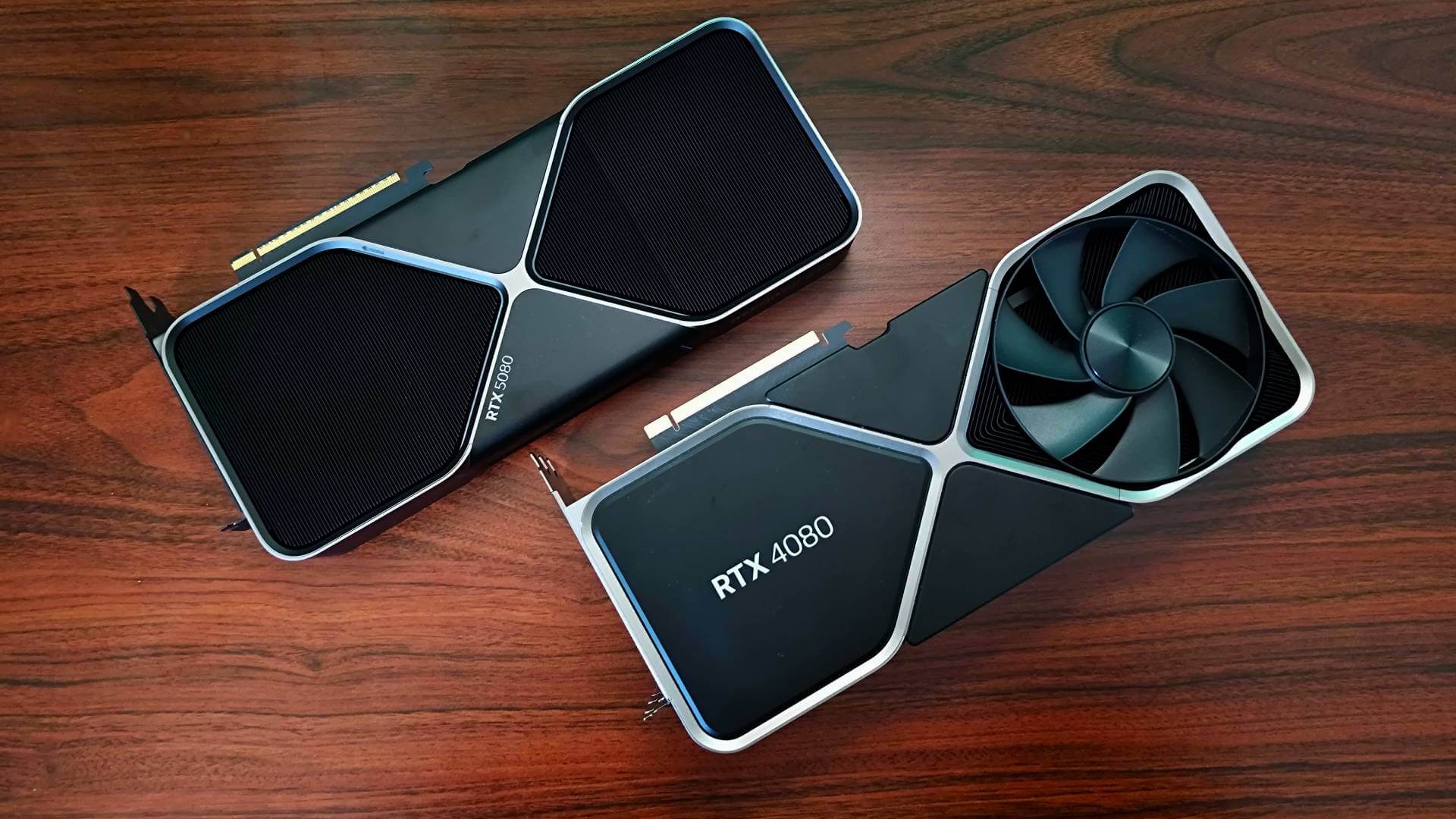
🥇 NVIDIA RTX 4080 / RTX 4090 / RTX 5090 (Next Gen)
-
Dominant 4K raster and ray tracing performance
-
Best DLSS + AI features
-
Great for creators who use CUDA, OptiX, or AI acceleration
🥈 AMD Radeon RX 7900 XTX / RX 7900 XT
-
Very strong raster performance
-
Competitive 4K FPS
-
More VRAM in many models than NVIDIA counterparts
Why this matters:
If you want 4K gaming, ray tracing maxed, and future-proof performance for years, this tier is where the big cards shine.
Pros:
-
Ultra-high FPS at 4K
-
Top-tier ray tracing
-
Great for creative workflows too
Cons:
-
Expensive
-
Power hungry
-
More VRAM than some NVIDIA models, but ray tracing/AI still better on NVIDIA
Best for:
4K gamers, creators, VR, simulation
🧠 Best GPU for Content Creation / AI Workloads
🥇 NVIDIA RTX Series (High-End)
NVIDIA still leads in:
-
AI acceleration (Tensor cores)
-
CUDA ecosystem
-
Blender Cycles/XPU support
-
DaVinci Resolve, Adobe Premiere acceleration
Even mid-range RTX GPUs perform well in creative apps.
🥈 AMD Radeon (Decent, but niche)
AMD cards are strong for pure GPU rendering in some engines, but lack:
-
CUDA acceleration
-
Universal AI ecosystem
-
Broad creator ecosystem support
Best GPUs for Creators:
-
RTX 4090 / 5090
-
RTX 4080
-
RTX 4070 Super / 4070 Ti
-
RTX 4060 Super (entry creator build)
🧠 Best Value / Gaming + Productivity Mix
If you want a card that serves for both gaming and creator tasks, here are the sweet-spot picks:
-
RTX 4070 Super — Great 1440p gaming + good creator support
-
RTX 4080 — For high-end gaming and demanding creative workloads
-
RX 7800 XT — Best value raster gaming card; good for many creator tasks if you don’t rely on CUDA
-
RTX 4060 Super — Entry mixed use, value-oriented build
⚡ Explanation: NVIDIA vs AMD in 2026
Understanding why you’d choose one brand over another is critical:
🟢 NVIDIA Strengths
💡 Ray Tracing & Upscaling
-
DLSS 3 and Frame Generation remain top of the industry
-
Sharper visual quality than AMD upscalers in many titles
-
Better ray tracing performance in most scenarios
🧠 AI & Creator Ecosystem
-
CUDA is dominant in creative tools (Blender, Adobe, AI frameworks)
-
Tensor cores accelerate machine learning
-
Better driver support and frequent updates
🌐 Software & Features
-
NVIDIA Studio drivers for creators
-
Dedicated tools for streaming, encoding, capture
👾 Long-Term Driver Support
-
Historically longer driver updates and support
Best For:
4K + RT fans, creators, streamers, AI enthusiasts
🔵 AMD Strengths
🔥 Price / Performance
-
Better raster performance at many price tiers
-
Often more VRAM for the dollar
-
Great for pure gaming performance without heavy RT
💸 Value
-
Strong cards for budget/midrange systems
-
FSR 3 (open upscaling) improving quickly
🧠 Future RDNA Improvements
-
2026 RDNA 4 or later cards expected to close gap in RT/AI features
Best For:
Budget gamers, raster performance fans, high-refresh 1440p gamers
🧠 GPU Selection by Resolution
| Resolution | Best GPU Family |
|---|---|
| 1080p (High FPS) | RTX 4060 Super, RX 7600 XT |
| 1440p (Balanced) | RTX 4070 Super, RX 7800 XT |
| 1440p (High Refresh) | RTX 4080, RX 7900 XT |
| 4K (Ultra) | RTX 4090 / 5090, RX 7900 XTX |
| Creators / AI | RTX 4070+, RTX 4090 / 5090 |
⚙️ Power & System Requirements
PSU Recommendations by Tier
-
Entry/Mid: 550–650 W, 80+ Bronze/Gold
-
High-End: 750–1000 W, 80+ Gold
-
Enthusiast / 4K: 850–1000 W (especially RTX 4090/5090)
Power delivery matters — big GPUs benefit from good efficiency, stable rails, and quality PSUs.
🧠 Buying Tips for GPUs in 2026
🔹 1. Check Your CPU
A powerful GPU needs an equally capable CPU — avoid bottlenecks. For example:
-
Ryzen 5 7600 / Intel i5-14600KF for midrange GPUs
-
Ryzen 7 / Core i7 or higher for high-end GPUs
🔹 2. Pair with a Good Monitor
Match resolution & refresh rate.
-
1440p @ 144–240 Hz for RTX 4060–4070 class
-
4K @ 144 Hz for high-end GPUs
🔹 3. VRAM Matters
Future games demand more VRAM — ideally 10–16 GB+ for longevity.
🔹 4. Wait for RDNA 4 / Next NVIDIA Chips
2026 may bring newer architectures that reshape the landscape.
🎯 Final Recommendations — Pick Based on Your Budget
💸 Budget Build (Best Price / FPS)
-
RX 7600 XT or RTX 4060 Super
⚖️ Balanced Gaming + Content Creation
-
RTX 4070 Super or RX 7800 XT
🔥 High-End 1440p / Entry 4K
-
RTX 4080 or RX 7900 XT
🏆 Ultimate 4K Ready
-
RTX 4090 / RTX 5090
-
RX 7900 XTX